
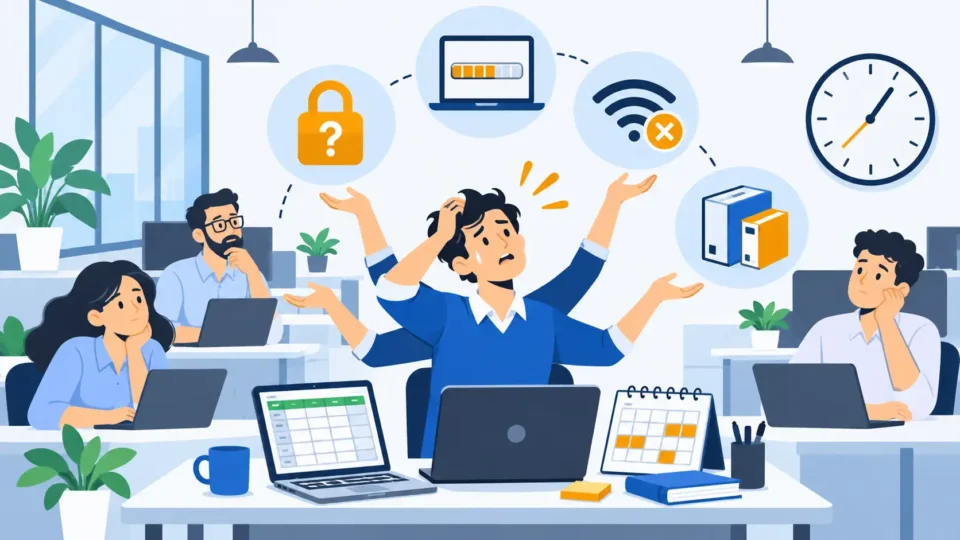
Most small businesses start with DIY IT support because it genuinely works: a handful of laptops and a shared inbox don’t need a contract. The trickier part is knowing when it stops working, and that point usually arrives before anyone sits down to calculate it.
The accidental IT admin
Every office has one person who’s good with computers. Within a year or two, that person is resetting passwords, setting up laptops for new starters, fixing the Wi-Fi and deciding which software the business buys. None of it appears in their job description, and all of it comes out of their actual work.
The cost is easy to miss because it never appears on an invoice. If a senior member of staff loses four hours a week to troubleshooting, that’s four hours of fee-earning or operational time gone, week after week. Nothing is written down, either. Admin passwords, supplier logins, software accounts and the network setup are known only to that one person, and when they’re on holiday or hand in their notice, the business finds out how much was never documented.
Reactive fixes vs proactive monitoring
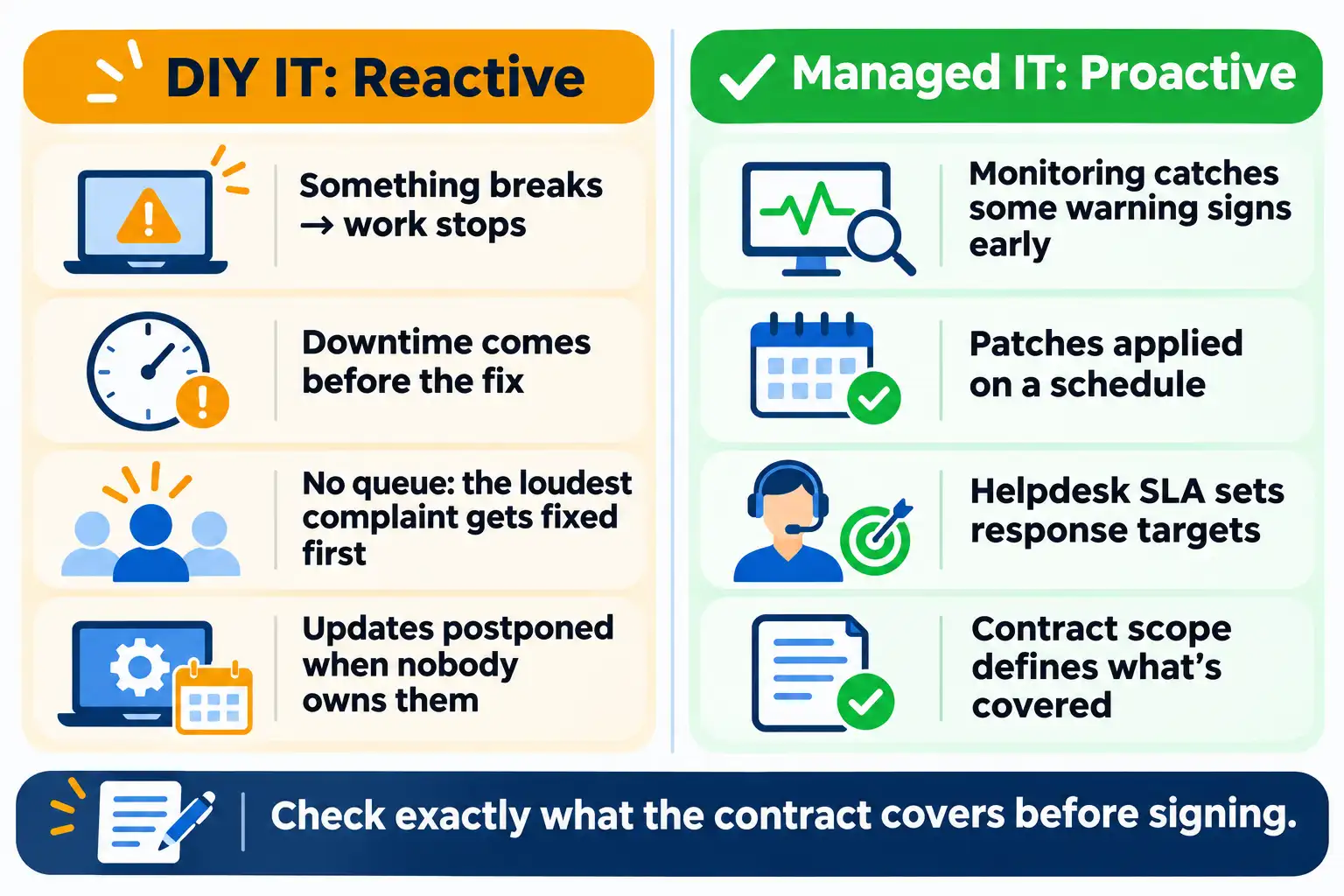
DIY support is reactive by nature: something breaks, work stops, and someone fixes it. The business pays in downtime before it pays for the repair, and there’s no queue or priority system, so the loudest complaint gets fixed first.
A managed service provider works the other way, though the scope varies by contract. Many providers monitor systems around the clock, while others cover business hours only, and patches are applied on a schedule so known vulnerabilities get closed. Some failures give warning signs days or weeks in advance, and monitoring can catch those while they’re cheap to fix, but plenty of faults arrive with no warning at all. A helpdesk SLA sets out response targets, and sometimes resolution targets, so staff have some idea of when a problem will be picked up. What those targets cover, and what sits outside the contract, needs a close read before signing. For a business that has outgrown ad hoc fixes, outsourcing to a regional partner such as HB Tech’s Southampton IT team is one route, and it pays to compare what each provider’s contracted responsibilities and response targets actually promise.
Security gaps and the backup problem
Security is where DIY setups tend to fail without anyone noticing. Multi-factor authentication often ends up switched on for some accounts and not others, and software updates get postponed when nobody owns the task. Consumer tools alone leave gaps against modern ransomware and convincing phishing emails. An outside provider brings a clear split of responsibilities and a baseline of security controls that a DIY setup rarely reaches on its own.
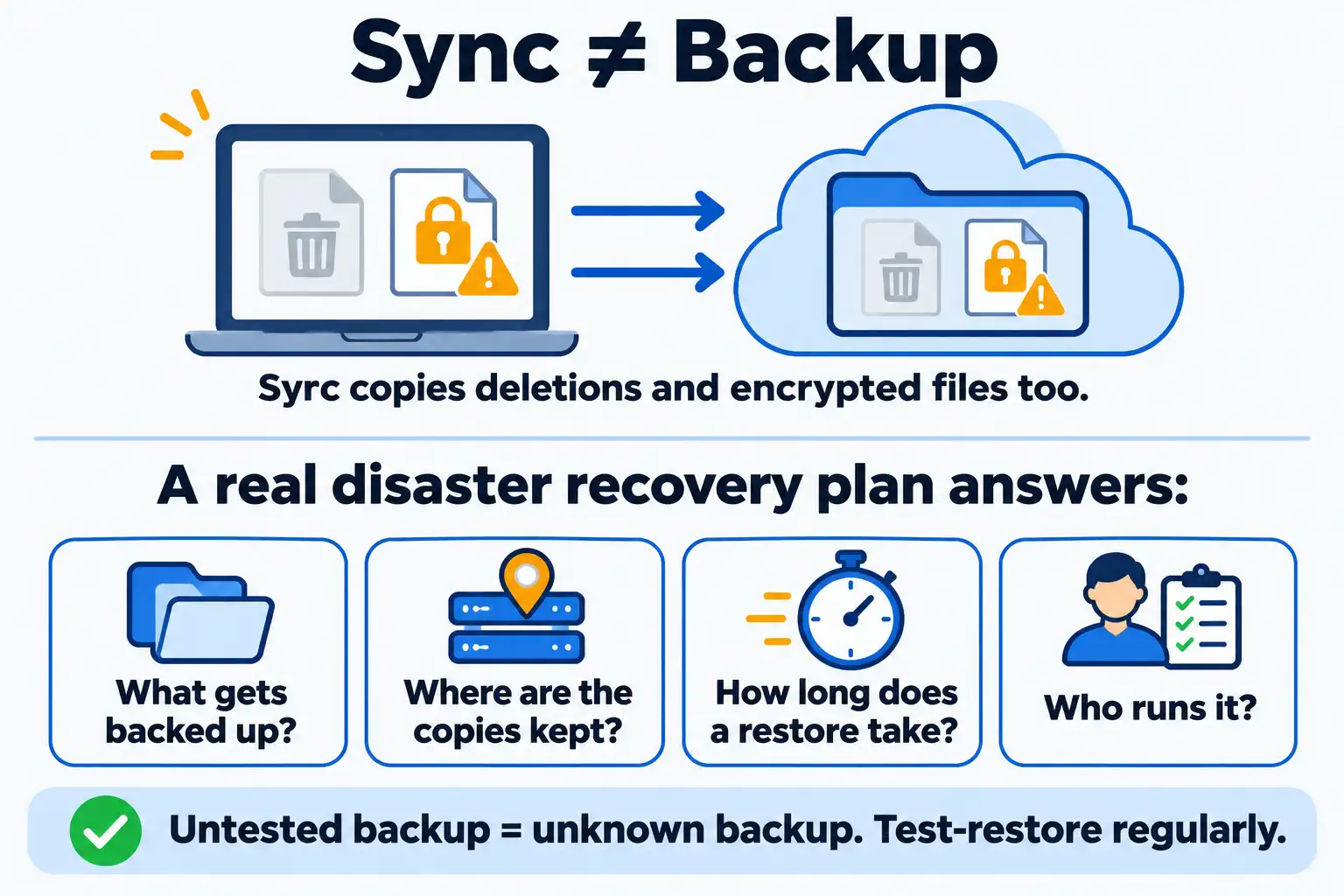
Backups need the same kind of attention. An external hard drive plugged in beside the server, or a cloud sync folder nobody monitors, can look like a backup until the day it’s needed. Sync tools copy accidental deletions and ransomware-encrypted files along with everything else, and an untested drive may have stopped running months ago. A real disaster recovery plan states what gets backed up, where the copies are kept, how long a restore takes and who runs it, and someone tests it on a regular basis. If nobody has ever test-restored the backup, there’s no way to know it will work.
The middle option: co-managed IT
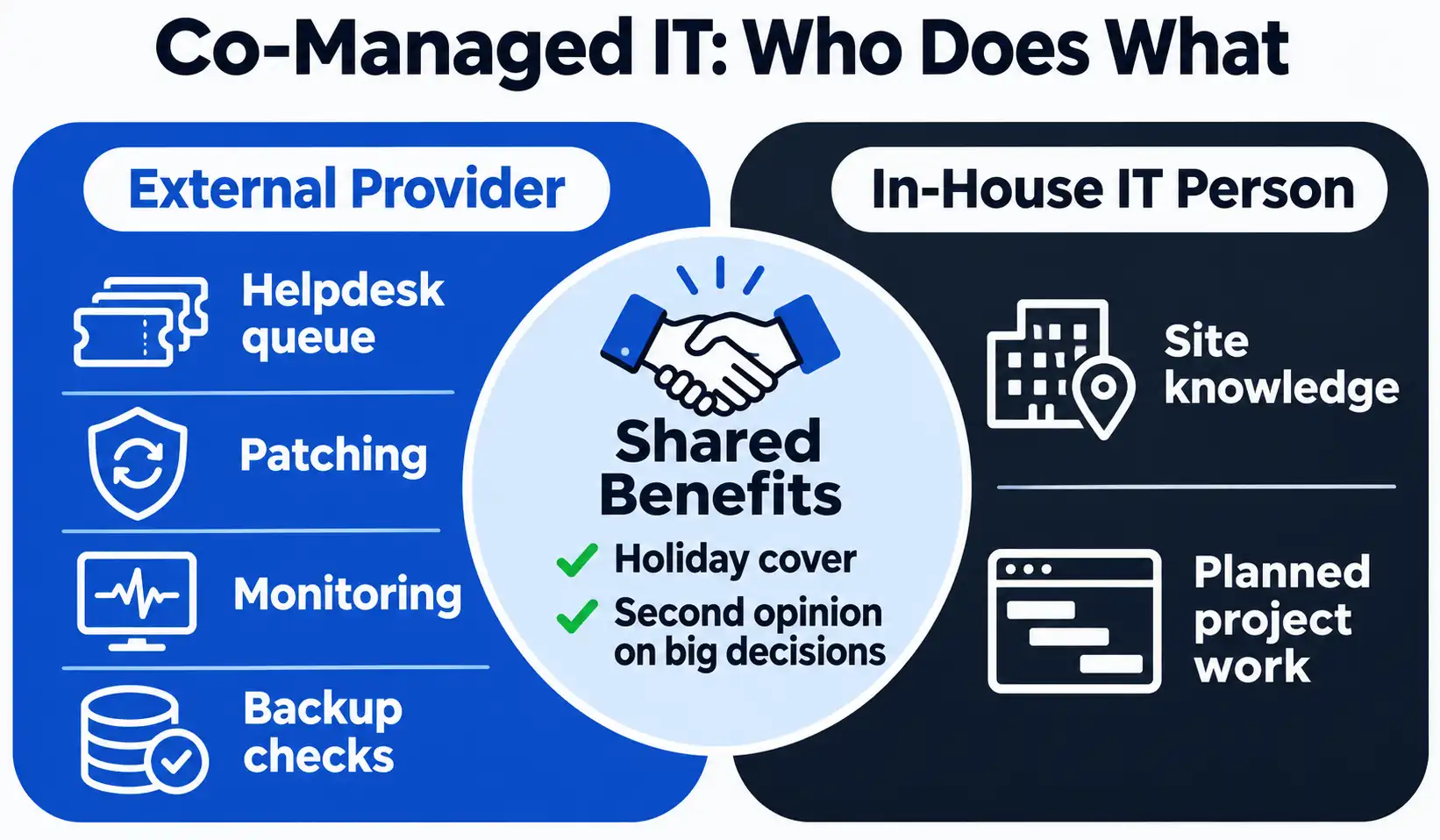
Some businesses already have one IT person, and the question looks different. A solo hire who spends the day on password resets and printer tickets never gets to the project work that would improve the systems themselves. Co-managed IT splits the load: the external provider takes the helpdesk queue, patching, monitoring and backup checks, while the in-house person keeps the site knowledge and focuses on planned work. The split also gives the internal hire cover for holidays and a second opinion on bigger decisions, things a one-person department never has. For a growing business that isn’t ready to outsource everything or hire a second head, it’s a practical stepping stone.
Working out what DIY actually costs
A like-for-like comparison needs the full total cost of ownership, and most comparisons of small business IT support only count the contract being avoided. Each item is easy to verify from payroll and invoices, so the comparison stays fair. An honest tally includes:
- Staff hours lost to troubleshooting each week, multiplied by what those staff cost
- Downtime when systems fail and nobody can work
- Software bought ad hoc, sometimes licensed incorrectly
- Training time for the accidental admin
- Replacement hardware bought in a rush at retail prices
- The potential cost of recovering from a breach, from investigation to lost trading
The comparison gets sharper as the business grows. Adding five people under DIY means five laptops and accounts to set up, plus a steady flow of new tickets for one colleague to handle. A provider runs onboarding as a repeatable process, so headcount stops being an IT event.
DIY has a genuine place at the very start, when systems are simple and an outage is an inconvenience. Once the business depends on those systems every day, support becomes part of the infrastructure, and businesses that plan for that transition tend to spend less and lose less when it happens.

The Team Compare BizTech is made up of people from marketing backgrounds, digital marketing & content marketing backgrounds, each with unique experiences and nuggets of wisdom to share with you. The team is passionate about creating unique, accurate, and engaging content.